Mootion Review: Create Stunning Videos From Ideas, Text, Images, and Audio
Mootion Making videos takes time.
First, you need an idea. Then, you often write a script and edit clips. After that, you add effects, captions, and music. As a result, video creation can feel slow and stressful.
At the same time, video content matters more than ever. Businesses need videos to grow online. Likewise, creators need videos to get more views and engagement. Teachers and coaches also use videos to explain ideas clearly.
However, not everyone has editing skills. Some tools feel too complex. In addition, many platforms take time to learn.
That is why tools like Mootion are becoming popular.
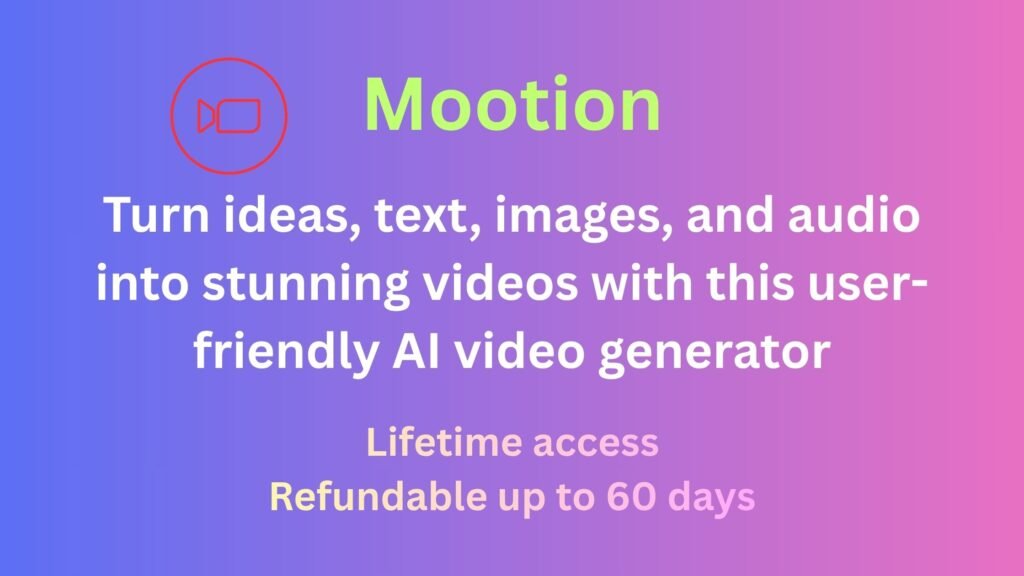
Mootion helps turn ideas, text, images, and audio into videos with AI. Instead of spending hours editing, users can create videos much faster. As a result, content creation feels easier and less stressful.
Even better, the platform is simple to use. Therefore, beginners can create polished videos without advanced editing skills.
What Is Mootion?
Mootion is an AI video generator designed to make video creation simple.
You can start with text, images, voice recordings, or even a simple idea. Then, the platform turns that content into engaging videos. In many cases, the AI also helps with scenes, timing, captions, and effects.
Because of this, users spend less time editing and more time creating.
Mootion works well for many users, including:
- Content creators
- Marketers
- Teachers and coaches
- Freelancers
- Agencies
- Small business owners
Likewise, the platform supports many content types, such as:
- Social media videos
- Product demos
- Marketing clips
- Educational content
- Story videos
- YouTube Shorts
- Instagram Reels
In short, Mootion helps turn ideas into videos quickly and easily.
Why Video Creation Feels Hard
Many people want to create videos. However, the process often feels overwhelming.
Traditional editing software can be confusing. For example, users may need to learn timelines, transitions, effects, and layers. In addition, some editing tools are expensive.
Because of this, many people stop before they even start. Others spend too much time creating just one video.
As a result, content production becomes slow.
Mootion helps solve this problem.
Instead of doing everything manually, the platform uses AI to handle much of the work. Therefore, users can create videos faster while still getting strong results.
Turn Text Into Videos
Have a blog post or script?
If so, Mootion can help turn it into a video.
Simply paste your text into the platform. Then, the AI creates scenes and visuals to match your message. As a result, old content becomes useful again.
For example, bloggers can repurpose articles into videos. Likewise, marketers can turn product details into short promotions. Teachers can also turn lessons into visual content.
Because of this, one piece of content can reach more people.
Turn Images Into Videos
Already have images?
Mootion can turn them into dynamic videos.
Instead of showing still photos, the platform adds movement and transitions. As a result, content feels more engaging.
This works well for product photos, branded visuals, slideshows, and social media content. In addition, it helps static content feel more alive.
Turn Audio Into Videos
Have a voice recording or podcast?
Mootion can help with that too.
The platform turns audio into visual content. Meanwhile, AI helps match visuals with your message.
For example, creators can turn podcasts into short clips for social media. Therefore, users can create more content without starting from scratch.
Start With Just an Idea
Sometimes, you do not have a script.
Instead, you only have an idea.
Fortunately, Mootion supports that too.
Simply enter your concept, and the AI helps build a video structure. As a result, getting started feels much easier.
Rather than staring at a blank screen, users can begin creating right away.
Save Time on Editing
Editing videos often takes hours.
Small changes can quickly become big delays. However, Mootion helps speed things up.
The platform helps with:
- Scene creation
- Timing
- Visual flow
- Captions
- Effects
- Layout
Because AI handles much of the heavy work, users spend less time editing. As a result, creators and businesses can publish content faster.

Easy for Beginners
Some video tools feel difficult.
Too many buttons can overwhelm new users. However, Mootion keeps things simple.
The interface is easy to understand. Therefore, beginners can start creating videos quickly. At the same time, experienced users can save time on editing.
Because of this, Mootion works for many skill levels.
Final Thoughts
Mootion makes video creation much easier.
Users can turn ideas, text, images, and audio into engaging videos without advanced skills. In addition, the platform saves time and reduces editing stress.
Whether you are a creator, marketer, teacher, or business owner, Mootion helps speed up content creation.
If you want a simpler way to create videos, Mootion is worth considering.