ScreenToVideo: Record, Edit, and Share with Ease
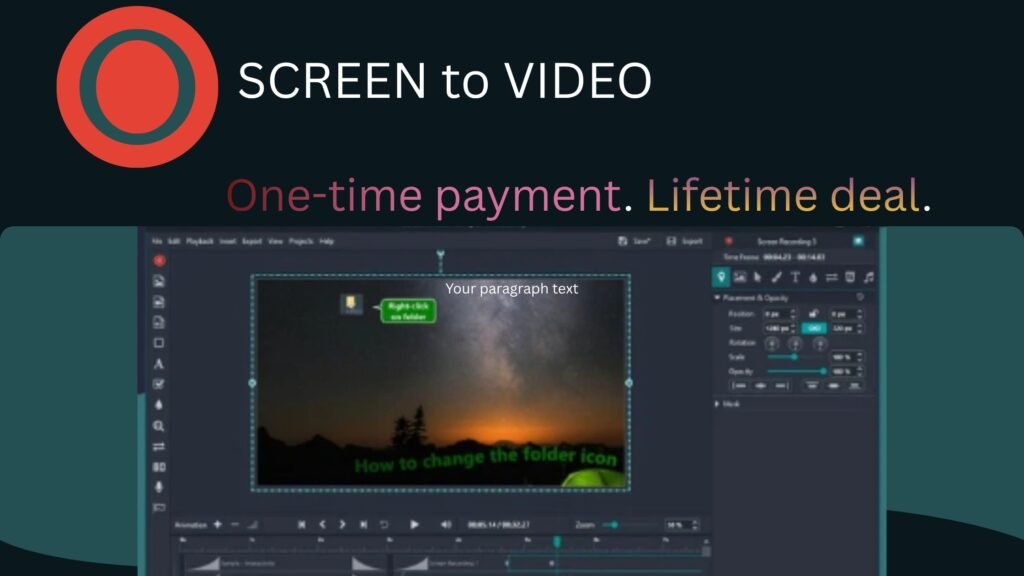
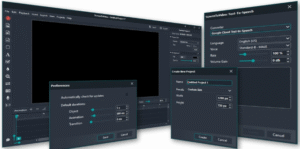
Making great videos doesn’t have to be hard. ScreenToVideo helps you record, edit, and share your videos quickly.
It combines powerful features with an easy-to-use design. Therefore, it’s perfect for content creators, teachers, and professionals who want quality results without extra effort.
Record Anything You Need ScreenToVideo
Recording your screen is fast and simple. You can capture your full screen, a window, or a selected area with one click.
In addition, you can record your voice, webcam, and system sound at the same time. With AI-powered virtual backgrounds, you’ll look professional even in a busy place.
Edit Smarter with AI
Editing is where ScreenToVideo shines. The AI silence remover cuts out long pauses and makes your audio smooth.
You can use AI blur to hide private details or highlight what matters most.
Moreover, the tool offers built-in captions, Google text-to-speech, and simple speed controls.
As a result, your videos are clear, clean, and ready to share.
Add Creative Touches
You can also draw or write on your screen like a whiteboard. This makes teaching or explaining ideas more fun.
Besides that, you can make animated GIFs, add video effects, and balance audio levels. Every feature works together to give your content a polished, professional look.
Export and Share Instantly
Once your video is ready, export it in MP4, WMV, GIF, or MP3 formats. Thanks to hardware acceleration, it saves fast. Then, share it right away through Google Drive without switching apps.
A Lifetime Deal Worth Grabbing
Unlike other tools, ScreenToVideo comes with lifetime access for a one-time payment of $59 (regularly $119).
You also get free updates, support, and a 60-day money-back guarantee. Therefore, it’s a smart investment for anyone creating videos on Windows.
In short, ScreenToVideo makes recording, editing, and sharing simple. With its smart AI tools and user-friendly design, you can create videos that look great—without wasting time.