InstaCharts Review — The No-Code Chart Tool for Effortless Data Visualization
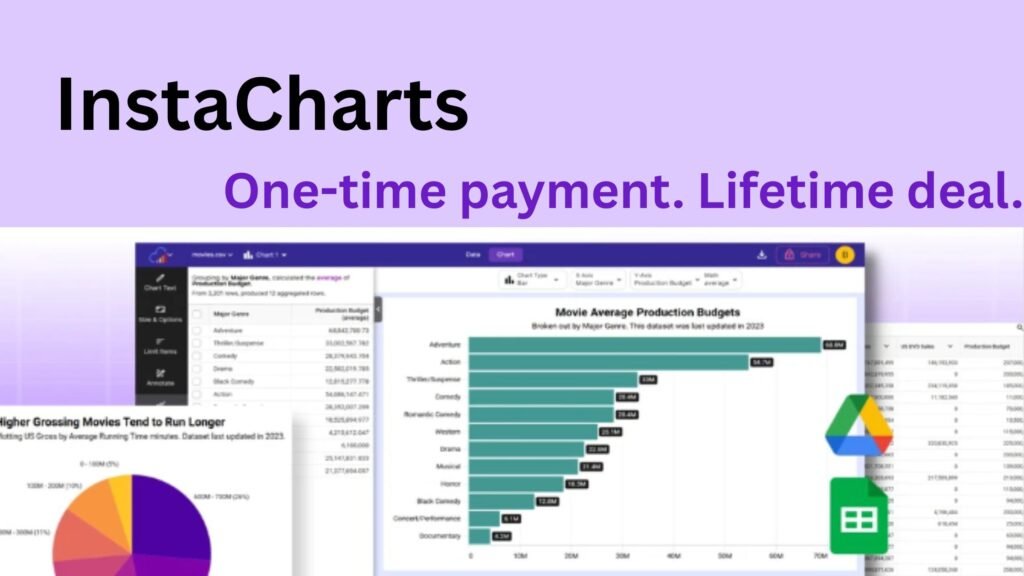
If you work with spreadsheets or reports, you know how time-consuming it can be to turn raw data into beautiful, meaningful visuals. InstaCharts solves this problem by letting you create, sync, and share charts from Google Sheets or Drive files — all without writing a single line of code.
What Is InstaCharts? The No-Code Chart Creator for Everyone
InstaCharts is a no-code data visualization platform designed for creators, teams, and professionals who need fast, interactive charts.
You can import data from spreadsheets, JSON files, or cloud storage — and generate visualizations instantly using pre-designed templates.
InstaCharts + Google Sheets Integration: Keep Data Synced Automatically
With its deep Google Sheets integration, InstaCharts can pull live data directly from your files and refresh your charts on a custom schedule — hourly, daily, or monthly.
You’ll never need to manually upload data again, making it perfect for live dashboards or recurring client reports.
You can also integrate Google Drive to access other file types and keep them synced with your visuals — a major advantage over static chart builders.
Create Interactive Charts with InstaCharts Templates
InstaCharts offers ready-to-use chart templates that help you create visuals instantly — from bar and pie charts to complex trend lines.
These templates can be customized and embedded on your website, report, or client portal with just a click.
Need quick visuals for slides or social media? Generate static image charts in .png or .svg format using InstaCharts’ image templates — no external tools required.
Powerful Features Without the Complexity
Despite its no-code simplicity, InstaCharts comes packed with pro features:
-
Export filtered data in .csv, .tsv, or .json
-
Remove watermarks on all exports
-
Embed or share interactive charts publicly or privately
-
Sync data automatically on your preferred schedule
In short, InstaCharts combines ease of use with functionality powerful enough for marketing teams, analysts, and business owners alike.
InstaCharts Lifetime Plans: Affordable, One-Time Access
InstaCharts offers two lifetime deal options — pay once and keep access forever:
-
Solo Plan ($29): Up to 25,000 rows per spreadsheet, 10 MB upload limit, and 1,000 monthly shared chart views.
-
Pro Plan ($58): Supports up to 100,000 rows, 20 MB uploads, and 100,000 chart views monthly.
Both plans include watermark-free exports, scheduled syncing, and image downloads — all backed by a 60-day money-back guarantee.
Why Choose InstaCharts for Your Data Visualization Needs
With a 4.9-star rating, users praise InstaCharts for its speed, simplicity, and automation. It bridges the gap between spreadsheets and visual storytelling — giving you clean, professional charts in seconds.
If you’re tired of juggling complex BI tools or manual chart creation, InstaCharts is the no-code shortcut your workflow needs.
Final Verdict: InstaCharts Makes Data Visualization Effortless
InstaCharts is more than just a chart generator — it’s a complete no-code solution for Google Sheets chart creation, data syncing, and visual storytelling.
Whether you’re a marketer, educator, or small business owner, InstaCharts helps you save time, reduce errors, and keep your data visuals automatically updated.
👉 Try InstaCharts today and transform your spreadsheets into beautiful, live charts — in just a few clicks.